What is CapCut?
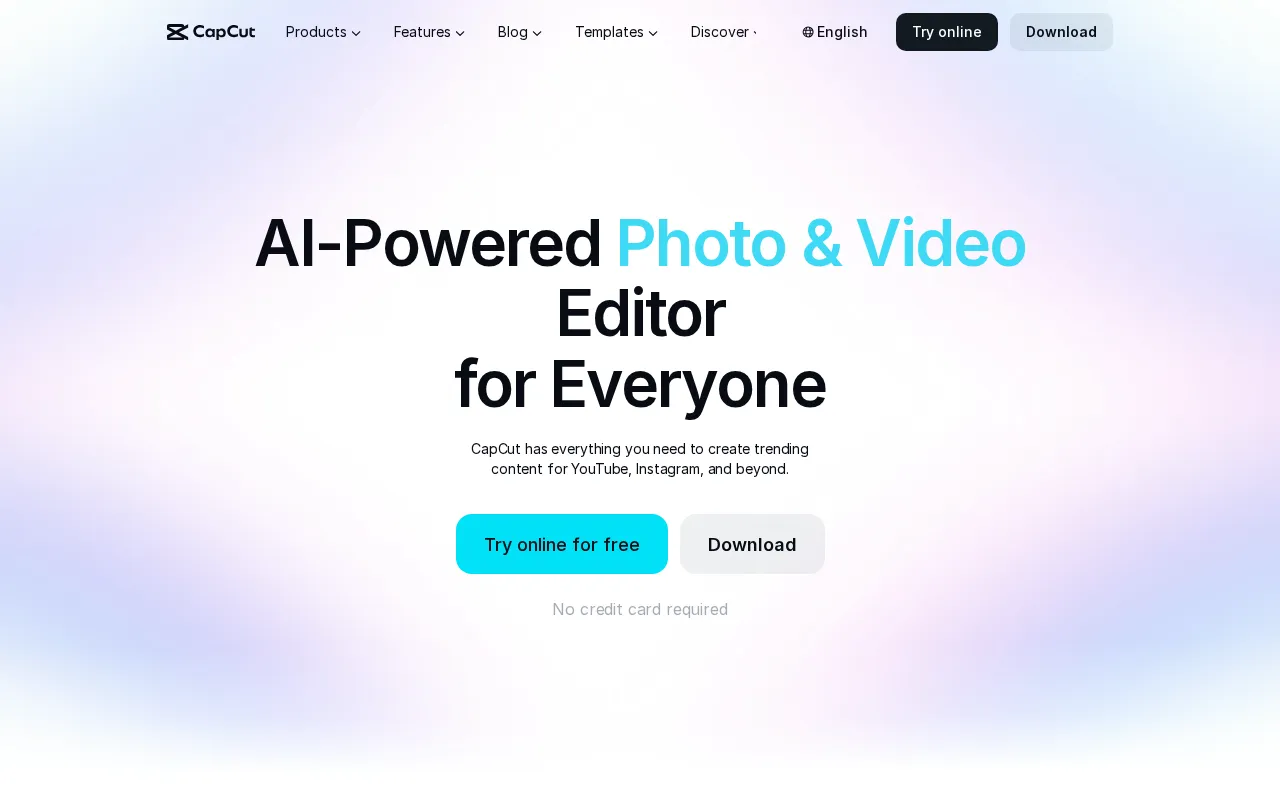
CapCut is a creative editing platform for producing videos, images, designs, voiceovers, and social media content. It combines conventional editing controls with AI tools that can generate media, remove backgrounds, create captions, improve recordings, and assemble videos from prompts. Users can work through its online editor or install CapCut on supported desktop and mobile devices.
The platform is aimed at projects such as YouTube videos, TikTok clips, Instagram Reels, advertisements, product visuals, podcasts, and personal vlogs. Its library of customizable templates provides starting points for social posts, short-form videos, business promotions, seasonal content, and effects-based edits.
Key Features
- AI video creation: Generates videos from text, reference images, or keyframes and can help build a video with a selected style and avatar.
- Video editing and conversion: Provides tools for cutting and trimming footage, adding transitions and subtitles, improving video quality, removing backgrounds, and converting common video formats.
- Image generation and editing: Creates images from prompts and includes background removal, resizing, enhancement, inpainting, object or text removal, cropping, filters, and visual effects.
- Captions and speech tools: Uses speech recognition to generate subtitles and converts written text into natural-sounding voiceovers, including support for custom voices.
- Audio cleanup: Extracts audio from video, reduces background noise, and improves vocal clarity and volume for recordings, podcasts, and video soundtracks.
- Creative templates: Offers editable templates for social media, short videos, AI effects, marketing materials, and business content.
Use Cases
- Produce and caption short-form videos for TikTok, Instagram Reels, and other social channels.
- Edit YouTube videos, vlogs, recaps, and narrated content.
- Create promotional videos, advertisements, product images, and branded social posts.
- Generate voiceovers and clean up speech for videos, podcasts, and recordings.
- Resize, enhance, or remove backgrounds from images for websites and digital campaigns.
Pricing
CapCut uses a freemium model. The Free plan includes basic editing tools and free templates. Pro adds premium templates, Pro editing features, AI features, monthly AI credits, credit purchasing, and cloud storage. Ultra includes the Pro offering plus additional AI capabilities and a larger monthly AI credit allocation. Teams provides Pro features, AI credits, and collaborative access on a per-seat basis. Monthly and yearly billing options are shown, while availability and plan details may vary by region and platform. Current pricing is available on the official site after signing in.
Who Is It For?
CapCut is suited to social media creators, video editors, YouTubers, vloggers, marketers, small businesses, podcasters, designers, and teams that need accessible tools for creating and repurposing visual content across web, desktop, and mobile devices.