
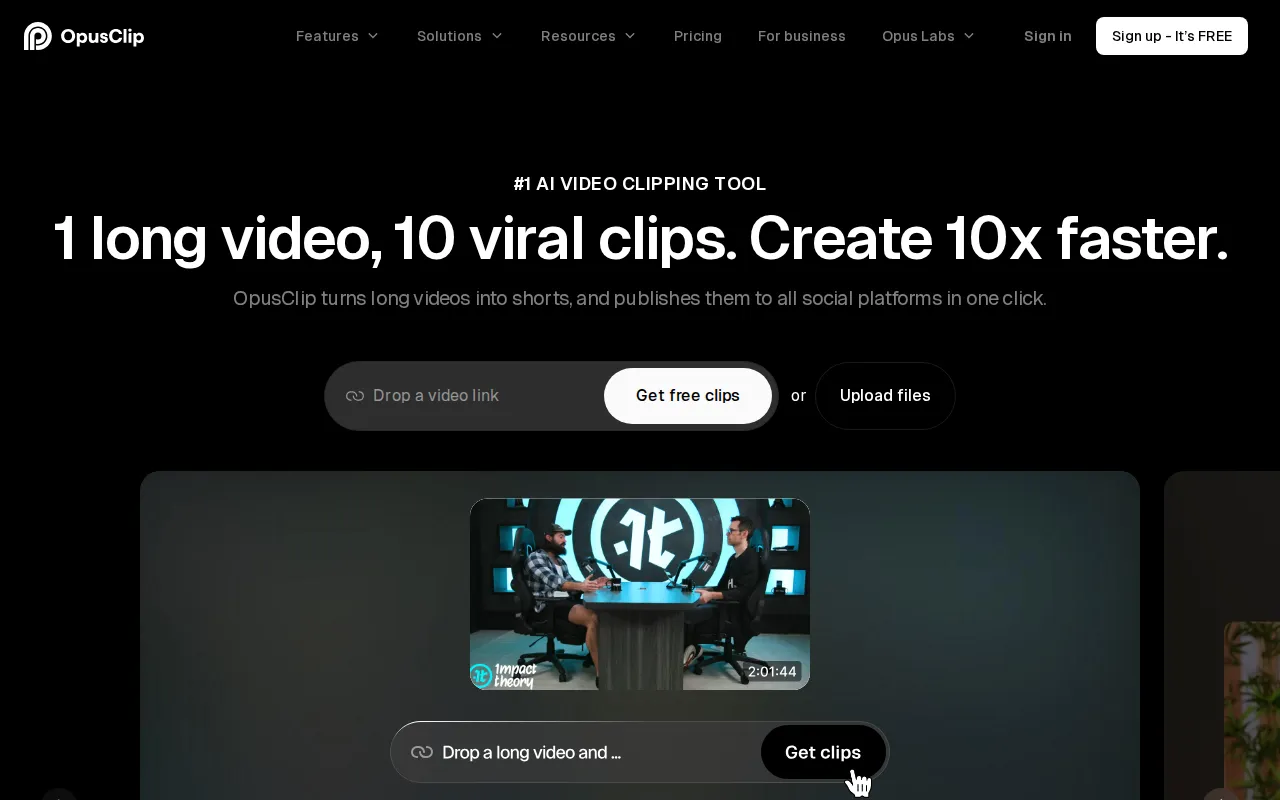
What is OpusClip?
OpusClip is a web-based AI video editing tool that converts long-form footage into short clips for platforms such as YouTube Shorts, TikTok, and Instagram Reels. Users can upload a local file or, on supported plans, import videos from services including YouTube, Google Drive, Vimeo, Zoom, Twitch, Loom, and Riverside.
Its clipping model works with podcasts, interviews, vlogs, gaming footage, sports, explainers, and other video formats. The platform identifies sections suitable for short clips, adds captions, reframes footage for different aspect ratios, and provides editing controls before export or publication. OpusClip also offers team workspaces, brand templates, scheduling, and API options for larger production workflows.
Key Features
- AI clipping: Finds segments within long videos and turns them into shorter clips, with controls for topics, clip length, and clipping timeframes on eligible plans.
- Automatic captions: Generates animated captions in more than 20 languages, with options such as emoji, keyword highlighting, custom fonts, and speaker-based colors depending on the plan.
- AI reframing: Resizes videos for social platforms and can track moving subjects to keep them centered. Pro and Business support 9:16, 1:1, and 16:9 formats.
- Editing tools: Paid plans provide text- and timeline-based editing, filler and silence removal, speech enhancement, B-roll, and voice-over features.
- Publishing workflow: Clips can be downloaded or posted to supported social channels, while Pro includes social scheduling and multiple account connections.
- Team and business tools: Workspaces, reusable brand templates, API access, custom integrations, and tailored storage are available on higher tiers.
Use Cases
- Repurposing podcasts and interviews as vertical social clips.
- Extracting highlights from gaming, sports, livestream, or educational footage.
- Adding captions and adapting horizontal videos to multiple social formats.
- Managing branded video production across a marketing or content team.
- Automating clip creation and publishing through an API or connected workflow.
Pricing
OpusClip has a Free plan with 60 monthly credits, exports up to 1080p, automatic reframing, and AI captions. Free exports include a watermark, editing is unavailable, and clips stop being exportable after three days. The pricing page lists Starter at $12 per month with 150 monthly credits. Pro pricing varies by billing selection and credit pack; the displayed annual example is $138 per year for 300 monthly credits. Business uses custom pricing. Paid plans offer free trials without requiring a credit card.
Who Is It For?
OpusClip is designed for individual creators, podcasters, video editors, marketers, social media teams, and organizations that regularly repurpose long videos. It is also suitable for businesses that need shared branding, collaborative workspaces, higher processing capacity, or API-based video workflows.