What is Riverside?
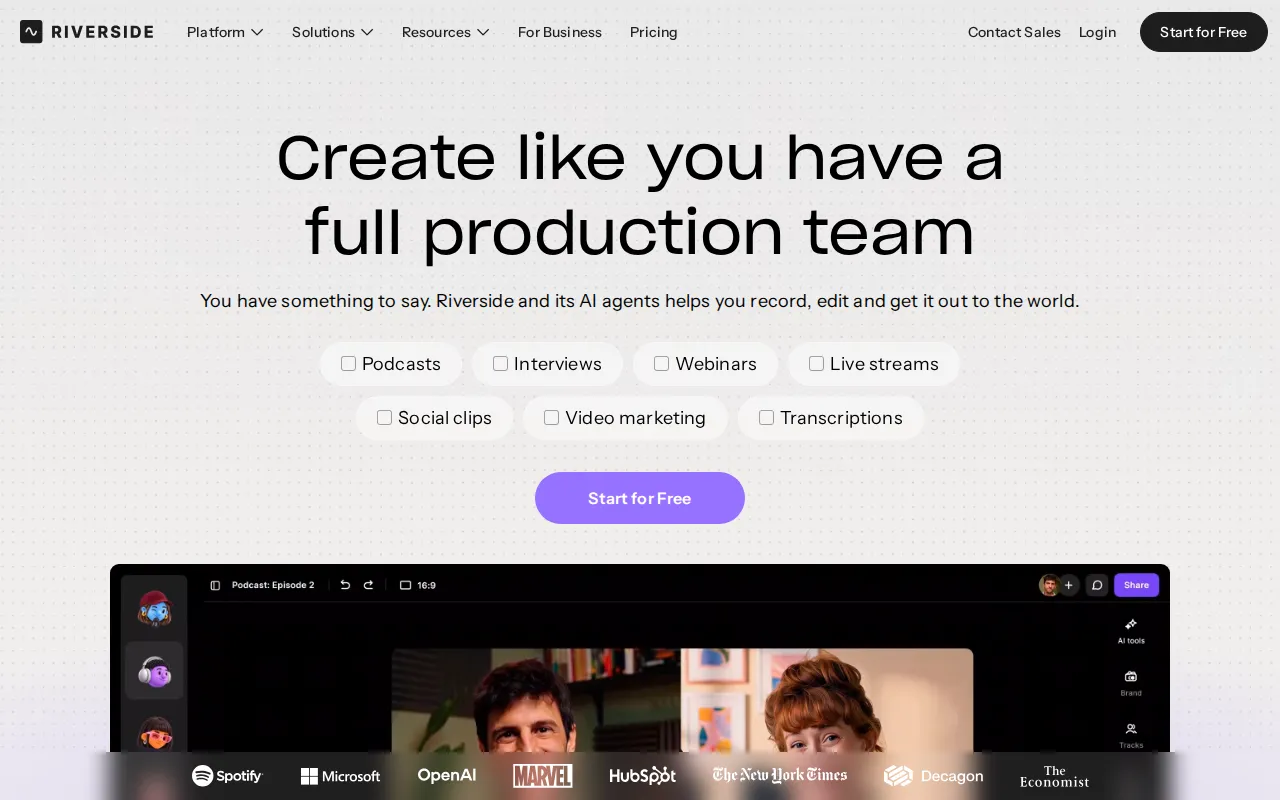
Riverside is an online production studio for recording, editing, repurposing, streaming, and publishing podcasts and videos. It records each participant locally, producing separate audio and video tracks that are less dependent on the quality of the live internet connection. Desktop recordings can reach 4K video, while audio is available at up to 48 kHz.
The platform combines recording with a transcript-based editor and AI tools for tasks such as creating clips, improving audio, correcting eye contact, removing filler words, generating show notes, adding captions, and translating or dubbing content. It also includes podcast hosting, audience analytics, webinars, and multichannel live streaming.
Key Features
- Local multitrack recording: Captures participants locally and provides separate audio and video tracks for detailed post-production, with desktop video quality up to 4K.
- Text-based editing: Lets editors search, remove, copy, and rearrange transcript text to make corresponding changes to a video or podcast recording.
- AI production tools: Supports clip creation, show notes, B-roll generation, speech correction, eye-contact adjustment, filler-word removal, audio cleanup, translation, and dubbing.
- Live streaming and webinars: Streams in Full HD to multiple destinations and provides registration, reminders, polls, Q&A, call-ins, analytics, and other webinar tools on eligible plans.
- Publishing and promotion: Publishes to services such as YouTube, Spotify, and Apple, while generating captions, titles, descriptions, chapters, thumbnails, and promotional assets.
- Brand and team controls: Applies logos, colors, intros, outros, overlays, layouts, and reusable studio settings; the Business plan adds collaboration, roles, SSO, API access, and production controls.
Use Cases
- Recording remote podcasts, interviews, and video conversations with separate participant tracks.
- Editing long recordings through transcripts and converting them into short social clips.
- Hosting branded webinars, live events, Q&A sessions, and streams across multiple platforms.
- Publishing podcasts and reviewing built-in performance and audience analytics.
- Producing marketing videos, testimonials, tutorials, training, and internal communications.
Pricing
Riverside offers 14-day free trials. Monthly pricing is listed at $29 for Pro, $39 for Grow, and $99 for Webinar. With yearly billing, the displayed monthly equivalents are $24, $34, and $79 respectively, with savings of up to 20%. Business pricing is customized through sales. Plan limits and capabilities vary, including the number of studios, separate-track download hours, hosting, streaming, webinar, and collaboration features.
Who Is It For?
Riverside is designed for podcasters, producers, marketers, interviewers, educators, and business teams that need to record and distribute polished audio or video. It can serve individual creators as well as organizations running webinars, branded content programs, virtual events, or collaborative production workflows.