What is GitHub Copilot?
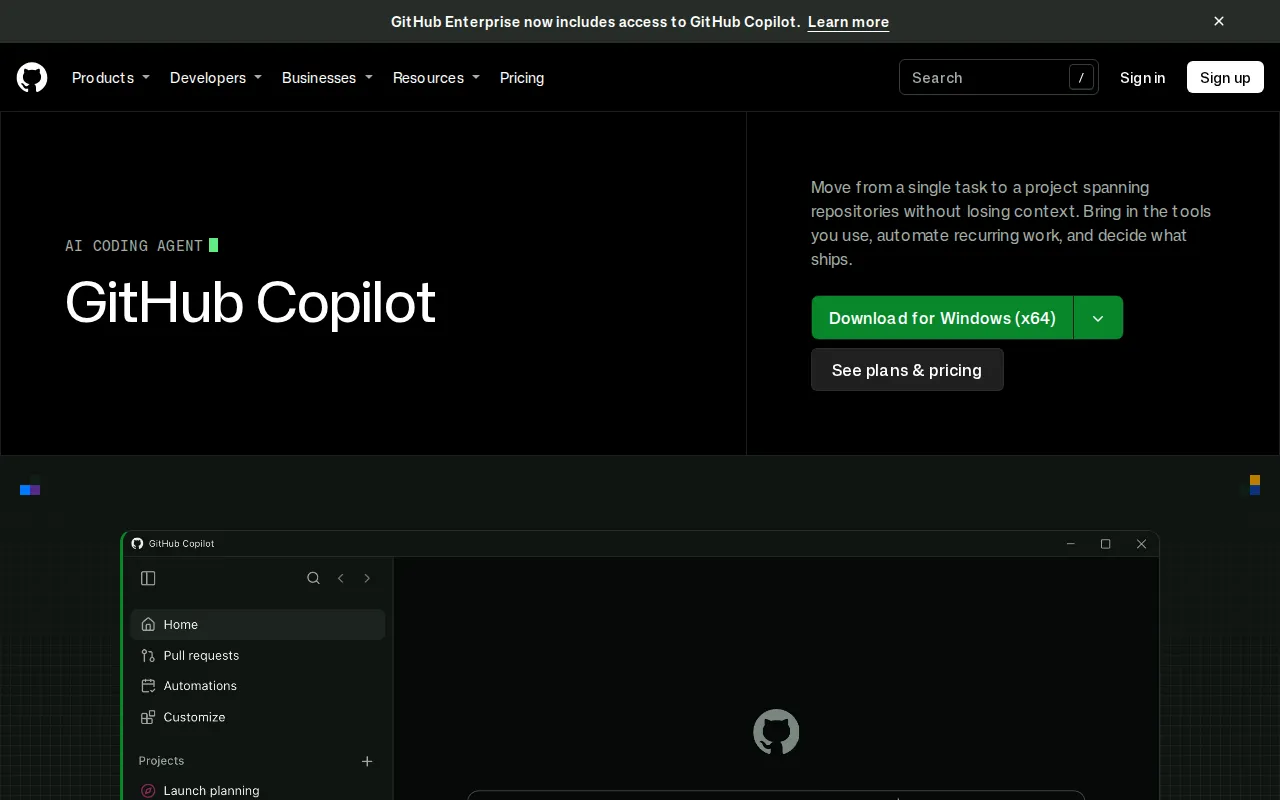
GitHub Copilot is an AI coding assistant and agent from GitHub. It supports development work from an initial issue through implementation, code review, and pull request follow-up. Developers can use it on GitHub, in supported editors, through a command-line interface, in the desktop app, and through GitHub Mobile.
Copilot can work with repository content, issues, pull requests, discussions, and search results as context. Separate sessions allow developers to delegate multiple tasks and monitor their progress. Teams can also provide repository instructions and reusable skills to guide how the agent approaches coding standards and recurring workflows.
Key Features
- Agent-based development: Starts tasks from issues or pull requests with relevant repository context and can continue work through implementation and review.
- Code completion and editing: Suggests code completions and subsequent edits while developers work in supported coding environments.
- Code review: Checks local changes and pull requests for code quality and security concerns, with options to delegate selected fixes.
- Parallel task sessions: Assigns independent sessions to different tasks so developers can track several pieces of work from one view.
- Workflow automation: Runs reusable agent tasks manually, on a schedule, or through supported triggers.
- Model and tool options: Can select a model automatically or let users choose one, connect supported cloud or local models, and add connectors, MCP servers, skills, and plugins.
Use Cases
- Implementing a feature or fix from an existing GitHub issue.
- Generating code suggestions and edits inside an editor or terminal workflow.
- Reviewing local changes before opening a pull request.
- Reviewing pull requests and assigning follow-up changes to a cloud agent.
- Automating recurring repository tasks with reusable instructions and triggers.
Pricing
GitHub Copilot uses a freemium model. The Free plan costs $0 and includes up to 2,000 completions per month, Copilot CLI, selected models, and community support. Individual paid plans shown on the official page are Pro at $10 per user per month, Pro+ at $39 per user per month, and Max at $100 per user per month. Features, model access, usage allowances, and credits vary by plan. GitHub also offers Copilot access through business and enterprise options.
Who Is It For?
GitHub Copilot is designed for individual developers, software teams, and organizations that want AI assistance across coding, review, repository work, and development automation. It is particularly relevant to teams already managing source code, issues, and pull requests on GitHub.