What is Granola?
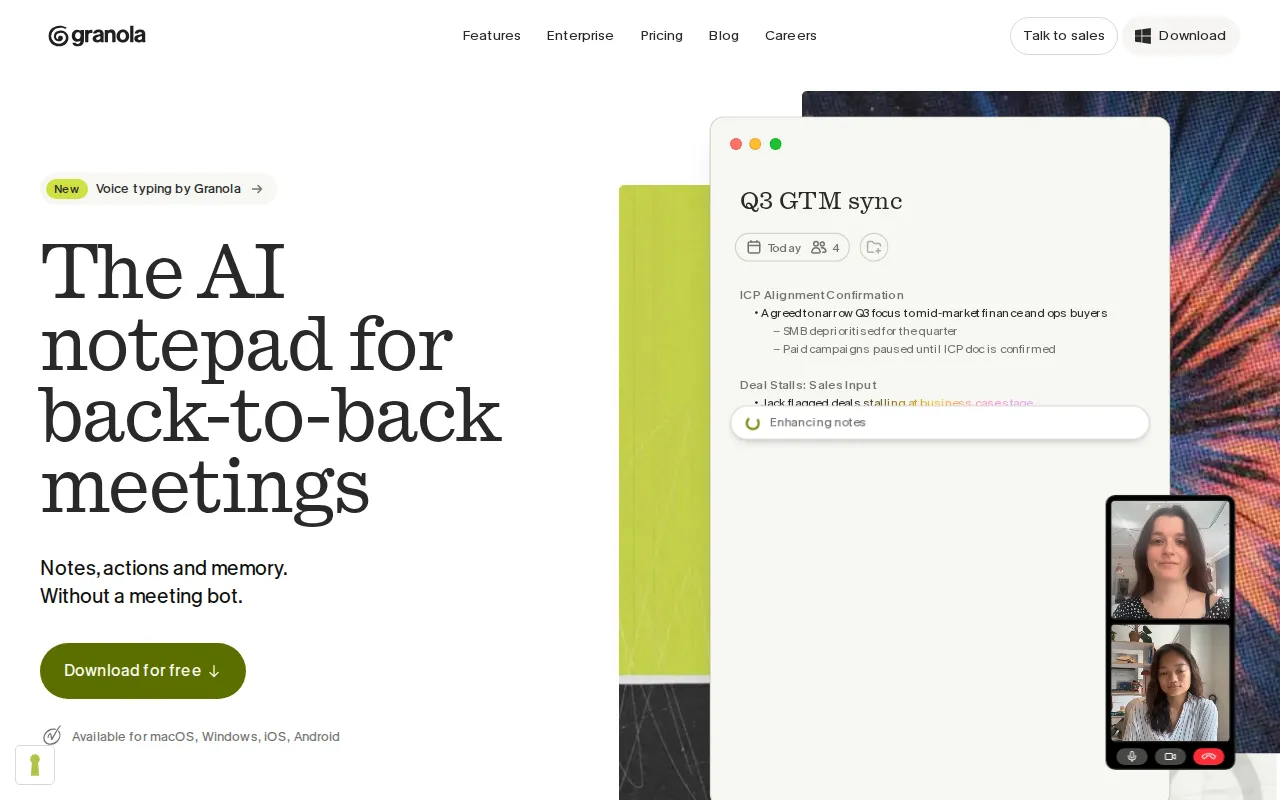
Granola is an AI notepad for people who spend much of their day in meetings. It captures device audio in the background instead of adding a bot to the call, then turns the conversation and the user's own notes into an organized meeting record. It works with meeting services such as Zoom, Google Meet, Microsoft Teams, and Slack Huddles, as well as phone calls and in-person conversations.
Granola can prepare users before external meetings by combining calendar details with earlier discussion context. After a meeting, it produces notes, action items, and material for follow-up tasks. Its chat can also answer questions across past meetings, helping users retrieve commitments and other relevant details.
Key Features
- Bot-free meeting capture: Records through the device's audio, allowing it to work across online meeting apps without sending a separate participant into the call.
- AI-enhanced notes: Combines meeting context with notes written by the user to create a structured summary with decisions, discussion points, and actions.
- Meeting briefs and follow-ups: Paid plans can prepare pre-meeting context and help draft follow-up emails after conversations.
- Cross-meeting chat and search: Users can ask questions about earlier discussions and find information across their meeting history, subject to plan limits.
- Mobile and in-person recording: iOS and Android apps support phone calls, walking meetings, conferences, and other conversations away from a desktop.
- Sharing and integrations: Shared folders support collaboration, while paid plans add services such as Notion, Zapier, HubSpot, Attio, and Affinity, plus API and MCP access.
Use Cases
- Capture and summarize sales calls without adding a meeting bot.
- Track decisions, owners, and next steps from project or product meetings.
- Prepare for client conversations using prior meeting and calendar context.
- Search past discussions to find promises, decisions, and follow-up items.
- Record useful notes during phone calls and in-person meetings.
Pricing
Granola uses a freemium model. Basic costs $0 per user per month and includes AI meeting notes, limited history, meeting chat, shared folders, templates, voice typing, and other core features. Its meeting history covers 30 days. Business costs $14 per user per month and adds unlimited history, advanced AI options, more integrations, centralized billing, MCP integration, and API access. Enterprise costs $35 per user per month and adds SSO, administrative controls, usage analytics, dedicated support, organization-wide policies, and other security and management features.
Who Is It For?
Granola is designed for individuals and teams with frequent meetings, including salespeople, product managers, founders, consultants, customer-facing teams, and managers. Business and Enterprise plans are suited to organizations that need longer meeting history, integrations, shared administration, security controls, or managed data policies.