What is ClickUp?
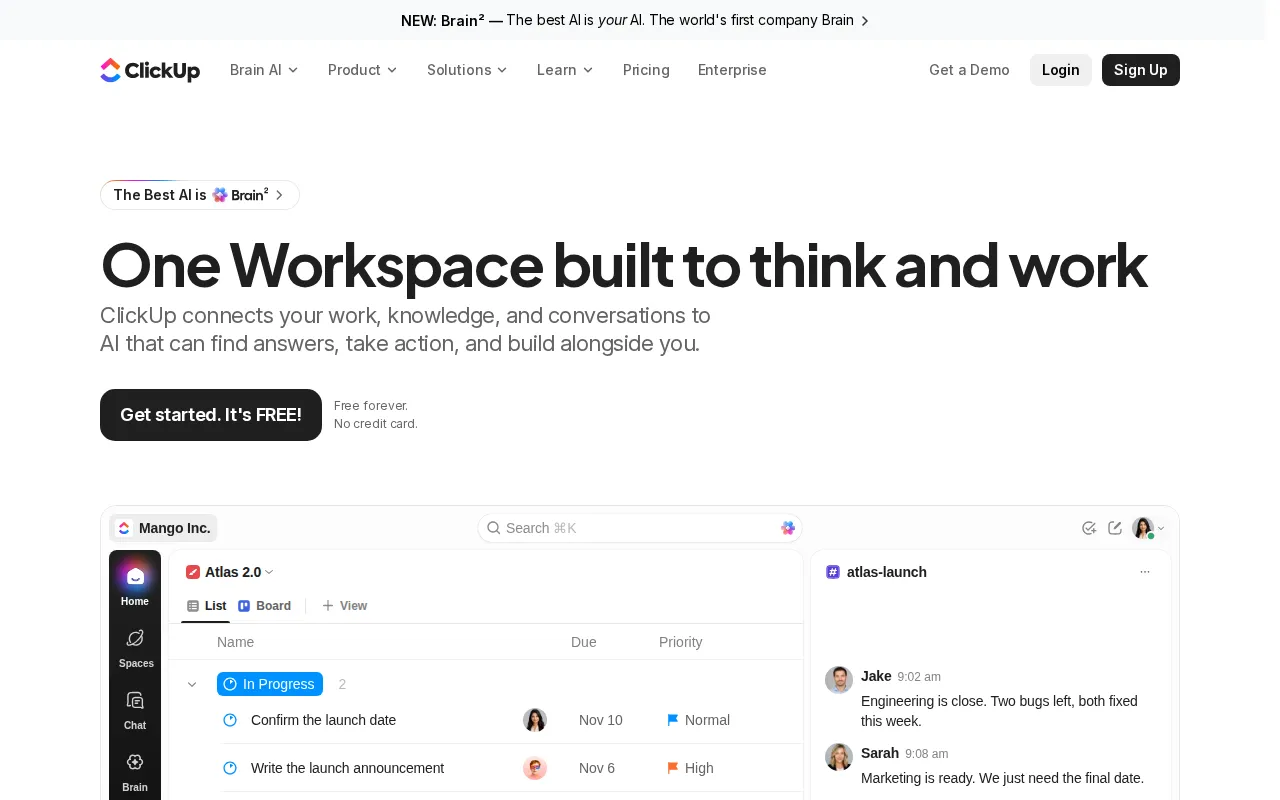
ClickUp is a work management platform that brings projects, tasks, documents, team conversations, goals, calendars, dashboards, and automation into one workspace. It supports multiple ways to organize and review work, including lists, Kanban boards, Gantt charts, calendars, roadmaps, and an Everything view.
Its ClickUp Brain² AI uses information from the workspace to answer questions, locate relevant context, summarize activity, and assist with actions. ClickUp also provides AI agents for recurring project operations such as assigning work, tracking deliverables, posting updates, and identifying blocked tasks. The service is available on the web and through mobile and desktop applications.
Key Features
- Project and task management: Teams can manage tasks, subtasks, dependencies, milestones, priorities, estimates, sprints, custom fields, and custom statuses.
- ClickUp Brain²: The AI can answer questions using workspace information, provide references, remember working preferences, and surface relevant project updates.
- Docs and visual planning: Collaborative documents, wikis, whiteboards, spreadsheets, mind maps, presentations, and other artifacts support planning and knowledge sharing.
- Chat and communication: Built-in chat, comments, inboxes, email, video calls, clips, and AI Notetaker features keep discussions connected to work.
- Automation and agents: Rules, API calls, integrations, and AI agents can handle assignments, project intake, status updates, handoffs, and other repeatable processes.
- Reporting and time tools: Dashboards, goals, portfolios, time tracking, timesheets, workload information, and time-in-status reports help teams monitor progress.
Use Cases
- Manage projects, product launches, engineering sprints, dependencies, and delivery timelines.
- Coordinate marketing campaigns, content calendars, approvals, and cross-team handoffs.
- Build shared documentation, wikis, meeting notes, and searchable internal knowledge.
- Automate project intake, task assignment, reporting, reminders, and routine status updates.
Pricing
ClickUp uses a freemium model. Free Forever costs $0 and includes unlimited tasks and subtasks, unlimited free members, collaborative docs, boards, calendars, time tracking, and a Brain² trial allowance. When billed yearly, Core costs $9 per user per month, Business costs $17 per user per month, and Max costs $100 per user per month. Enterprise has custom pricing. Optional AI credits cost $10 per 10,000 shared credits. Monthly rates and further add-ons are listed on the official pricing page.
Who Is It For?
ClickUp is designed for teams that want project management, communication, documentation, reporting, and AI assistance in one system. It supports project managers, product and engineering teams, marketers, IT departments, HR teams, company leaders, and organizations that need configurable permissions and enterprise controls.