What is Clipdrop?
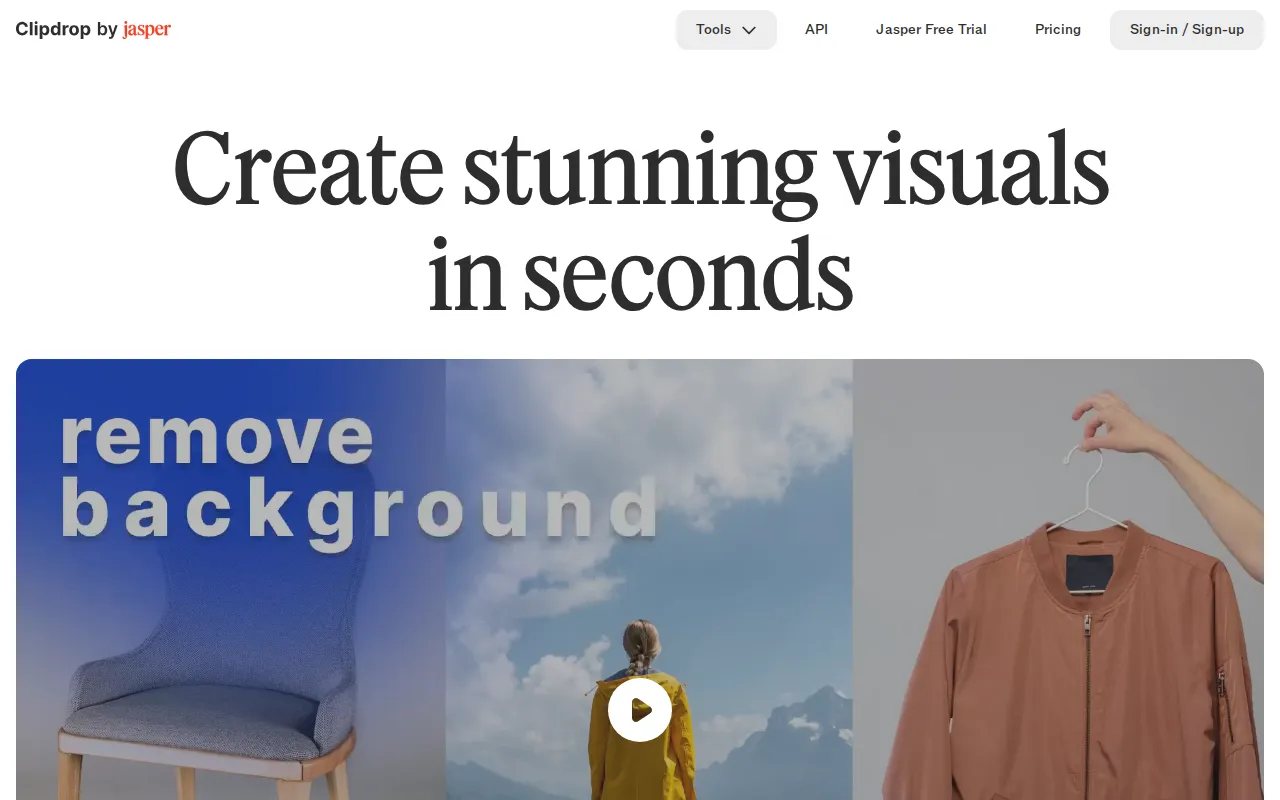
Clipdrop is a web-based collection of AI tools for creating and editing images. It can generate realistic images from text, isolate subjects, replace backgrounds, erase unwanted content, expand image boundaries, adjust lighting, and improve image resolution. The service also includes a universal resizer for preparing visuals for social media formats.
Clipdrop is made by InitML and offers both an interactive web interface and an API for adding image processing capabilities to other products. Its separate tools let users select a focused workflow instead of working through a general-purpose image editor.
Key Features
- Text-to-image generation: Creates high-resolution, realistic images from written prompts using AI models.
- Background tools: Removes backgrounds with automatic subject extraction or replaces them to place a subject in a different setting.
- Object and text removal: Cleanup can erase people, objects, defects, and other unwanted elements, while Text Remover focuses on writing inside images.
- Image expansion and resizing: Uncrop extends a photo beyond its original boundaries, and Universal Resizer adapts images for different social media formats.
- Upscaling and relighting: Image Upscaler increases resolution while reducing noise and restoring detail, while Relight applies new lighting to an image.
- Image API: Developers can embed supported AI image models and editing functions into their own products through a usage-based API.
Use Cases
- Preparing product photos by removing or replacing their backgrounds.
- Cleaning unwanted people, objects, text, or visual defects from photographs.
- Generating original visual concepts from text descriptions.
- Enlarging low-resolution images and adapting assets for social media formats.
- Integrating AI image processing into an application through the API.
Pricing
Clipdrop uses a freemium model. The Free plan includes access to several generation and editing tools with daily usage limits. The Pro plan raises those limits, provides queue priority for supported generation tools, and enables high-resolution processing, including more powerful upscaling. API access is billed according to usage. Current prices are available on the official Clipdrop pricing page.
Who Is It For?
Clipdrop is suited to designers, marketers, social media creators, online sellers, photographers, and other users who need focused image editing without a full desktop editor. Its API is intended for developers and product teams that want to add AI image generation or editing to their own software.