What is Dia?
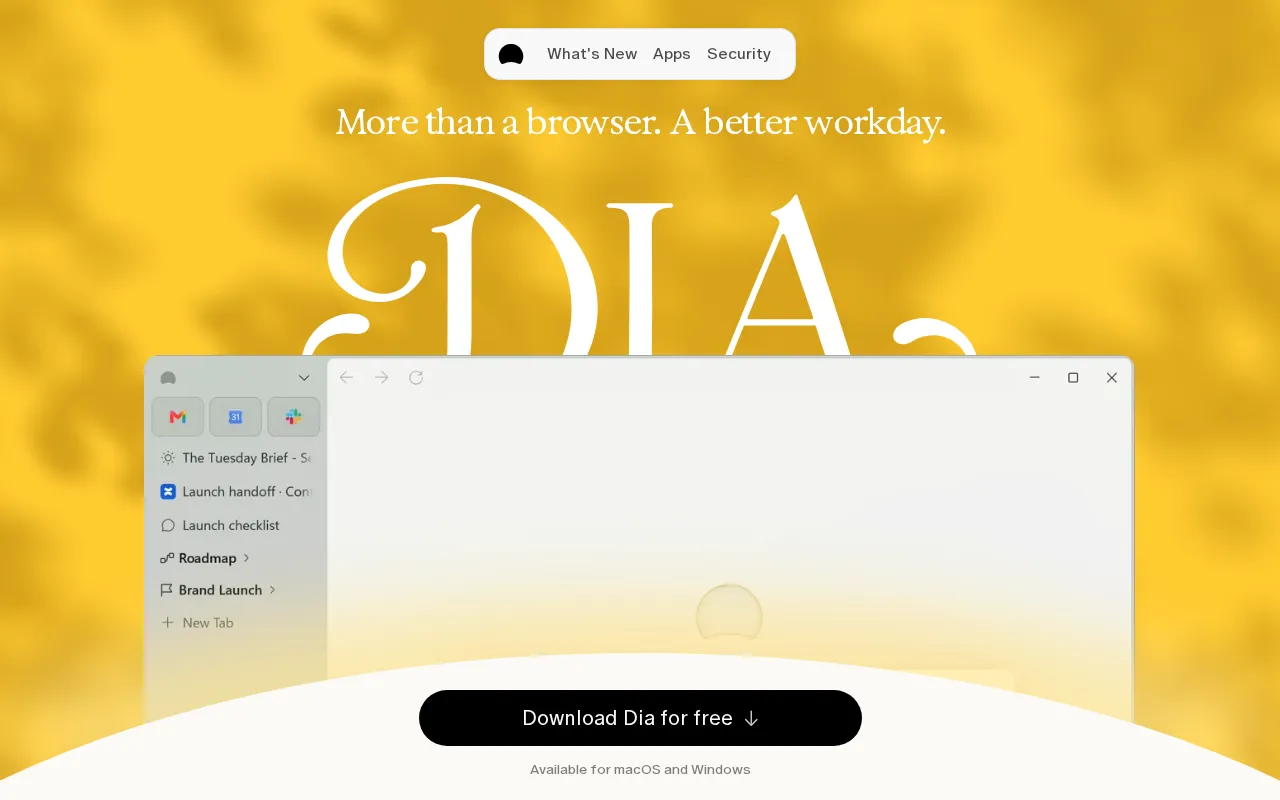
Dia is a desktop browser from The Browser Company of New York, designed to bring browsing, workplace context, and AI assistance into one application. It can gather information from open tabs and connected services, answer questions using that context, and turn source material into drafts, reports, or presentation decks.
The browser also includes tools for separating work and personal activity, arranging related pages, preparing for meetings, and viewing multiple pages side by side. Dia is available for macOS and Windows.
Key Features
- Context-aware AI: Dia can search across tabs and connected workplace tools to find information, summarize material, draft content, and answer questions.
- Morning Brief: Paid AI plans provide a daily overview based on sources such as the user's calendar, inbox, and important links.
- Profiles and tab organization: Separate profiles keep work, freelance, and personal tabs, accounts, and AI context apart, while tab groups organize related pages under useful names.
- Reports and presentation decks: Dia can combine scattered source material into structured reports or slides with headings, layouts, and a presentation-ready flow.
- Meeting and multitasking tools: Meeting pages can open with agendas, notes, and related documents, while split view places calls and documents side by side and remembers layouts.
- Privacy and team controls: Users can manage memory, connected tools, chat personalization, and content sharing. Sync is end-to-end encrypted, while Dia for Work includes options such as SSO and administrative controls.
Use Cases
- Prepare for the workday with a summary of upcoming events, messages, and relevant links.
- Research a topic across workplace services and open tabs without manually checking each source.
- Convert project notes and supporting material into a shareable report or presentation.
- Maintain separate browsing environments for employment, freelance projects, and personal activity.
- Set up repeatable split-screen layouts for meetings, focused work, and recurring one-to-ones.
Pricing
Dia uses a freemium model. Better Browser is free and includes profiles, tab groups, split view, picture-in-picture video, ad and tracker blocking, and cross-device sync, but no AI features. Better Answers costs $10 per month and adds AI requests, connected tools, and the Morning Brief. Better Days costs $100 per month and includes everything in Better Answers with 20 times more AI requests. Usage limits apply, and additional usage is available through $20 credit purchases. New users receive a 14-day Better Days trial without providing a credit card.
Who Is It For?
Dia is intended for professionals and teams whose work spans browser tabs, meetings, documents, email, and collaboration services. It may suit researchers, project managers, writers, designers, developers, consultants, and other knowledge workers who want browsing and AI-assisted synthesis in the same desktop application.