What is Make?
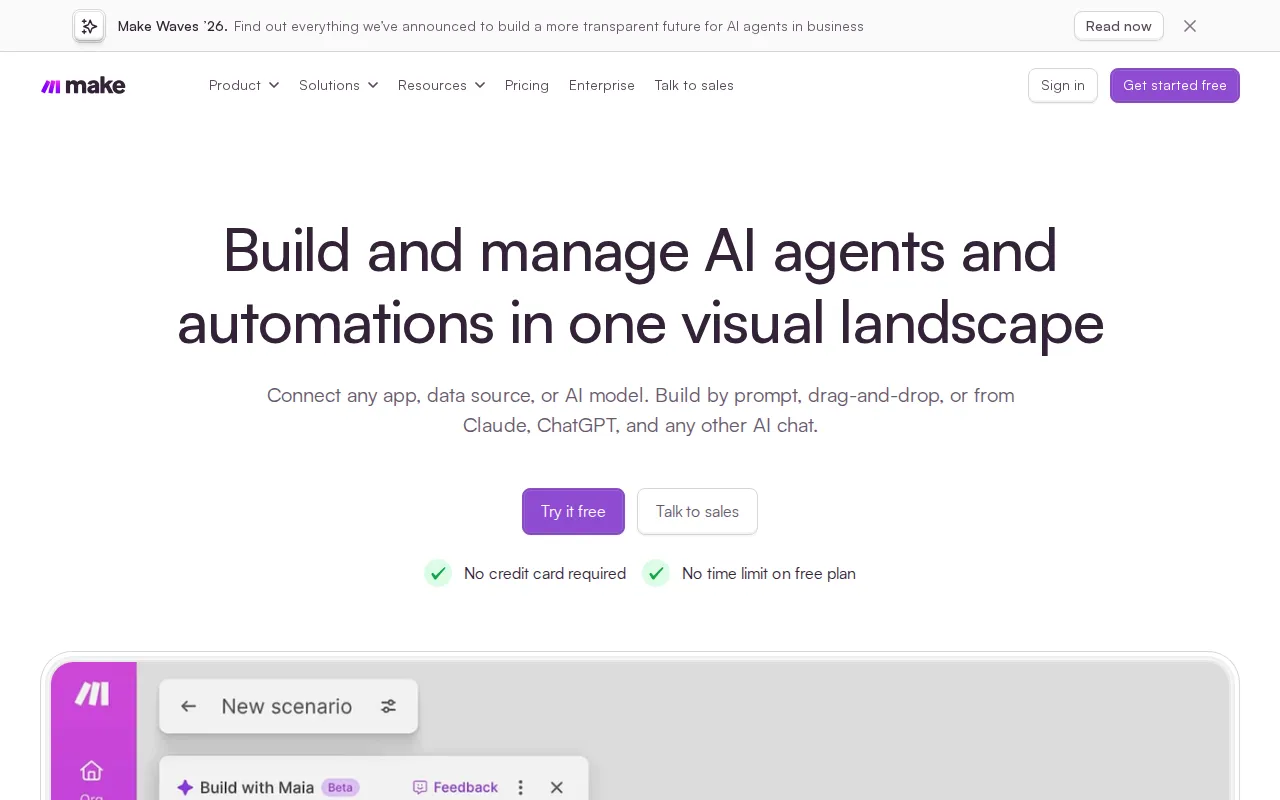
Make is a web-based automation platform for creating, running, and monitoring workflows and AI agents. Its visual builder lets teams connect applications, data sources, and AI models using prompts, drag-and-drop tools, or supported AI chats such as Claude, ChatGPT, and Gemini. Workflows in Make are called scenarios and can move, transform, create, update, search, or delete data across connected services.
The platform is designed for both non-technical users and developers. Most processes can be assembled without code, while JavaScript and Python are available when a workflow needs custom logic. Organizations can also monitor automations, control access, and review activity from a shared environment.
Key Features
- Visual workflow builder: Creates scenarios through prompting, drag-and-drop editing, or Make's MCP capabilities, with tools for testing and debugging in the same environment.
- AI agents: Lets teams configure agents with goals, available tools, and operating limits while providing visibility into their reasoning.
- App and API connections: Includes more than 3,500 ready-made app integrations and supports custom connections to services that expose an API.
- Monitoring and governance: Provides live visibility into workflows and third-party resources, along with role-based access, audit logs, and real-time analytics.
- Custom code support: Allows developers to add JavaScript or Python when built-in modules and no-code controls are not sufficient.
- Organizational security: Supports encryption in transit and at rest, SSO, and access controls, with GDPR compliance and SOC 2 Type II and SOC 3 certifications stated by Make.
Use Cases
- Automate data transfers and updates between business applications.
- Build AI agents that can use approved tools and organizational data.
- Coordinate marketing, sales, finance, IT, operations, and customer experience processes.
- Monitor and govern automations created across departments.
Pricing
Make uses a freemium, credit-based pricing model. Its Free plan includes 1,000 credits per month, requires no payment card, and has no time limit. Actions performed by scenario modules generally consume credits, although some modules are excluded. Paid plans and enterprise options are also available, and additional credits can be purchased. Current plan prices and detailed limits are provided on the official pricing page.
Who Is It For?
Make is suited to individuals, startups, business teams, developers, and larger organizations that need to automate multi-step processes. It is particularly useful for users who prefer a visual no-code builder but still want access to custom code, API connections, monitoring, security controls, and centralized governance.