What is Raycast?
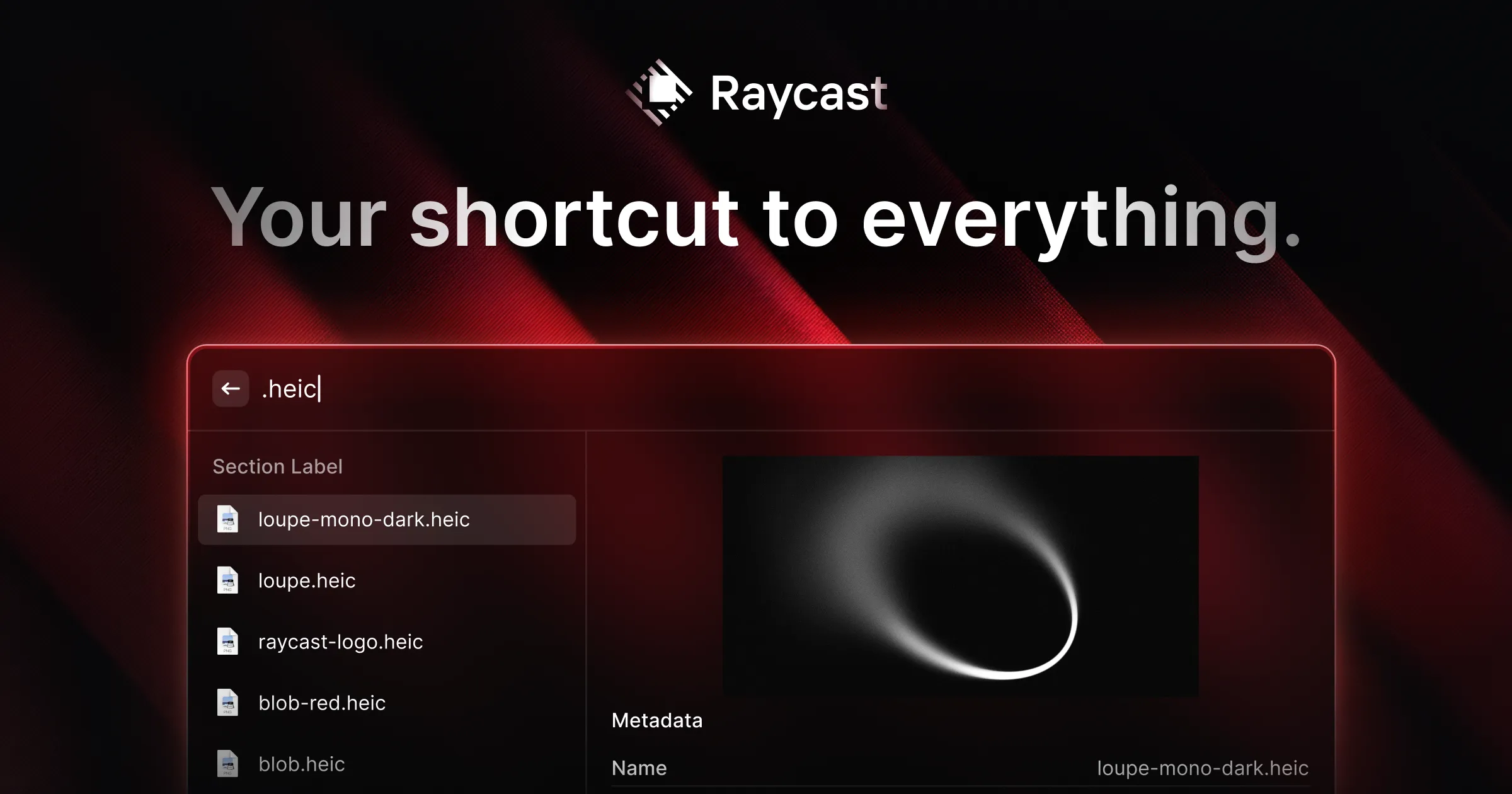
Raycast is an extendable productivity launcher for professionals who want to control apps, find information, and complete routine tasks from one keyboard-driven interface. It provides built-in commands for searching files, managing windows, checking calendars, viewing clipboard history, taking notes, running calculations, and more.
The launcher can be expanded through a store containing extensions for services such as Linear, Jira, Slack, Notion, Todoist, Spotify, 1Password, Zoom, Google Translate, and Google Chrome. Raycast also includes AI tools for asking questions, working with selected content, drafting text, explaining errors, and carrying out tasks across connected services.
Key Features
- Keyboard-first launcher: Search for applications, files, commands, quicklinks, symbols, and other resources without moving through multiple menus.
- Raycast AI: Use AI Chat, Quick AI, and AI-enabled extensions to summarize content, draft replies, explain errors, and perform actions with connected tools.
- Extension store: Add commands for productivity, engineering, design, writing, communication, project management, and media services.
- Workflow utilities: Access clipboard history, window management, notes, snippets, timers, calculations, calendar information, file search, and emoji search.
- Personal shortcuts: Create quicklinks and snippets, then assign hotkeys or aliases to frequently used commands and applications.
- Task automation: Run scripts and combine supported tools to handle repeated work, such as turning assigned project issues into tasks in another app.
Use Cases
- Open applications, locate files, and run common system commands from the keyboard.
- Search or update work in services such as Linear, Jira, Notion, Slack, and Todoist.
- Summarize selected content, draft follow-up emails, or investigate errors with AI assistance.
- Reuse standard text, launch saved links, manage windows, and retrieve previously copied content.
- Control music, join upcoming calls, translate text, run timers, and capture quick notes.
Pricing
Raycast uses a freemium model and promotes a Pro offering alongside its core launcher. Current plan details and prices are available on the official pricing page.
Who Is It For?
Raycast is designed for developers, designers, writers, creators, students, and other desktop professionals who prefer keyboard-based workflows. It is particularly relevant to people who regularly switch among applications and want a central place for commands, AI assistance, shortcuts, and automations.